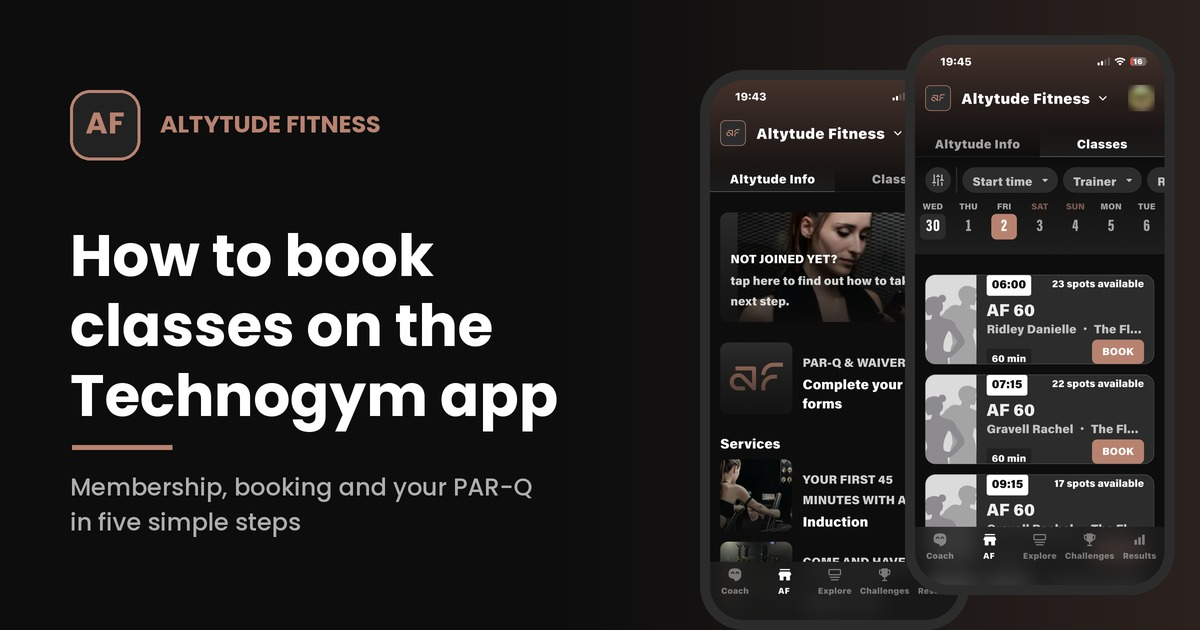
How to Buy Your Membership & Book Classes on the App
Getting started at Altytude Fitness is quick and simple. Everything happens in the Technogym app, from choosing your membership to booking your spot in class. Watch our short video guide below, or follow the steps underneath.
Step 1: Open the app and tap AF
Download the Technogym app and log in. At the bottom of the screen you’ll see the menu bar. Tap AF to open the Altytude Fitness area.
Step 2: Go to the Classes tab
At the top of the screen there are two tabs: Altytude Info and Classes. Tap Classes to see the full timetable for the week.
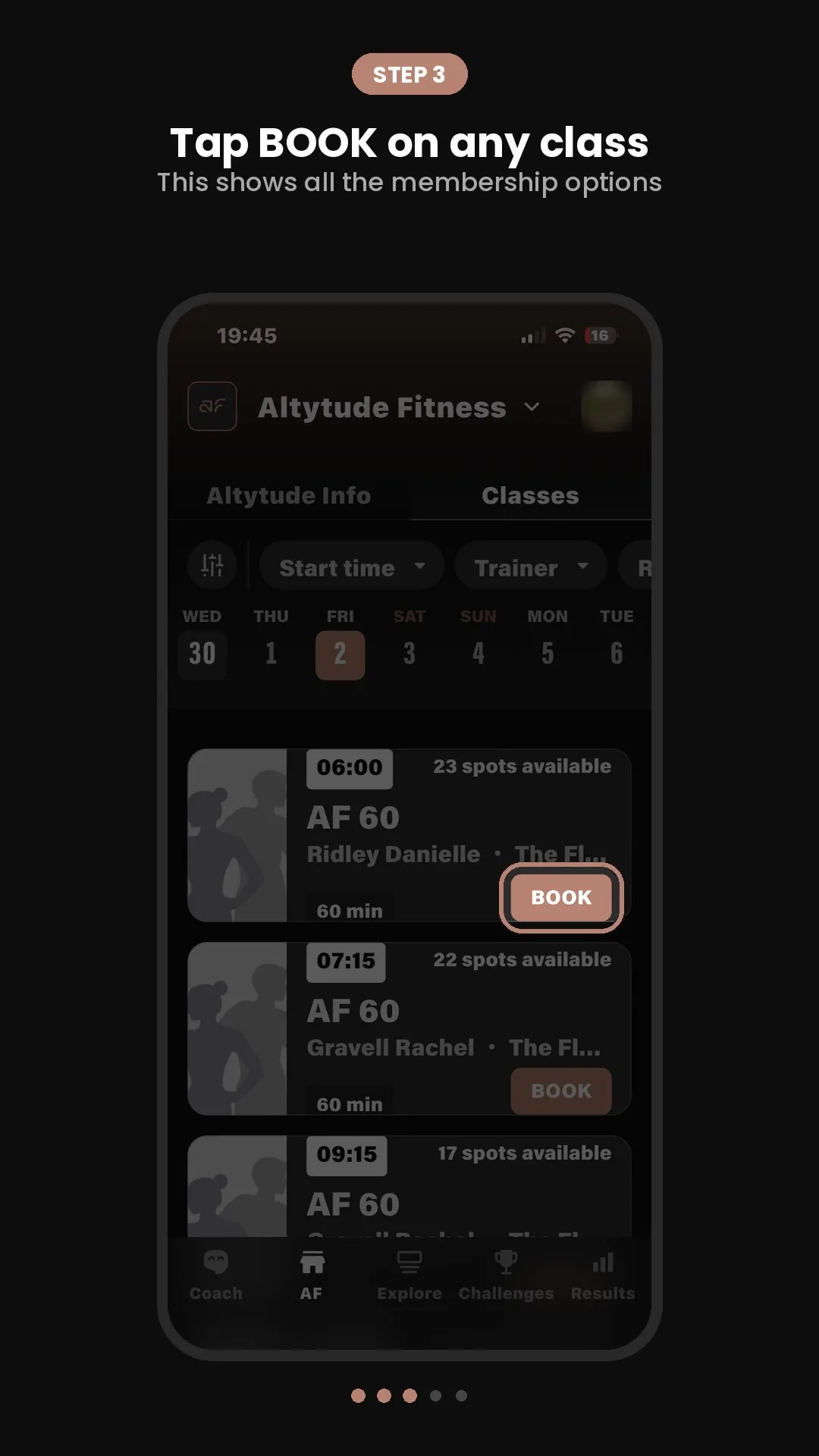
Step 3: Tap BOOK on any class
Choose a class and tap BOOK. If you haven’t joined yet, this will show you all of our membership options.
Step 4: Choose your membership
Pick the option that suits you best:
- Monthly membership for regular training
- Class packs if you’d rather pay for a bundle of classes
Complete your purchase and you’re in.
Step 5: Book your class
Head back to the Classes tab, pick your day from the date bar at the top, and tap BOOK on the class you want. That’s it, your place is saved.
Before your first class: complete your PAR-Q and waiver
Before you come in for your first session, you’ll need to sign your PAR-Q and waiver. Tap AF, go to the Altytude Info tab, and tap Complete your forms. It only takes a few minutes and means we can get you straight into training when you arrive.
Any questions?
If you get stuck or aren’t sure which membership is right for you, just get in touch and the team will be happy to help. We can’t wait to see you at Altytude.
From The Floor is yours as much as it is ours
This is a space for real stories, real progress & real people.
Got something to share? A milestone you’re proud of, a training win, a goal you’re chasing, or just something the community needs to hear? We want it on here.
Send your story & any images to hi@altytude.fitness and we will take it from there.